Aperture Sharpness
Find your lens's sharpest aperture
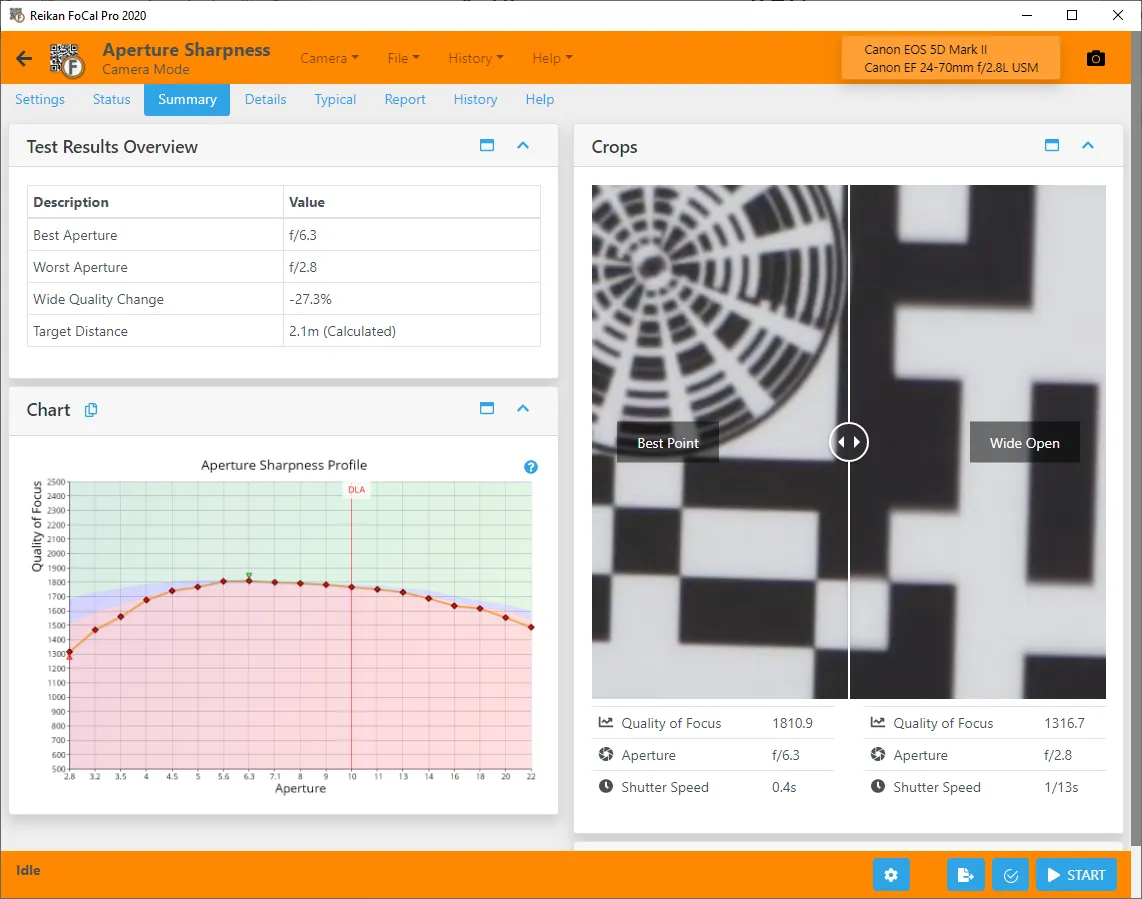
Every lens has a sweet spot (the aperture where it’s sharpest) and a point where diffraction starts to soften the image. Aperture Sharpness measures your actual lens across its aperture range, so you know which aperture to use when sharpness matters most.
What you get
- Sharpness at every aperture, from wide open upwards.
- The sweet spot, and where diffraction sets in.
- A history, so you can see whether the lens is changing.
How it runs
1Set up
Set up the FoCal target and connect your camera, then open Aperture Sharpness from the Camera page. Make sure the lens is accurately focused (Target Setup's focus assist helps), or the results won't be representative.
2Run the test
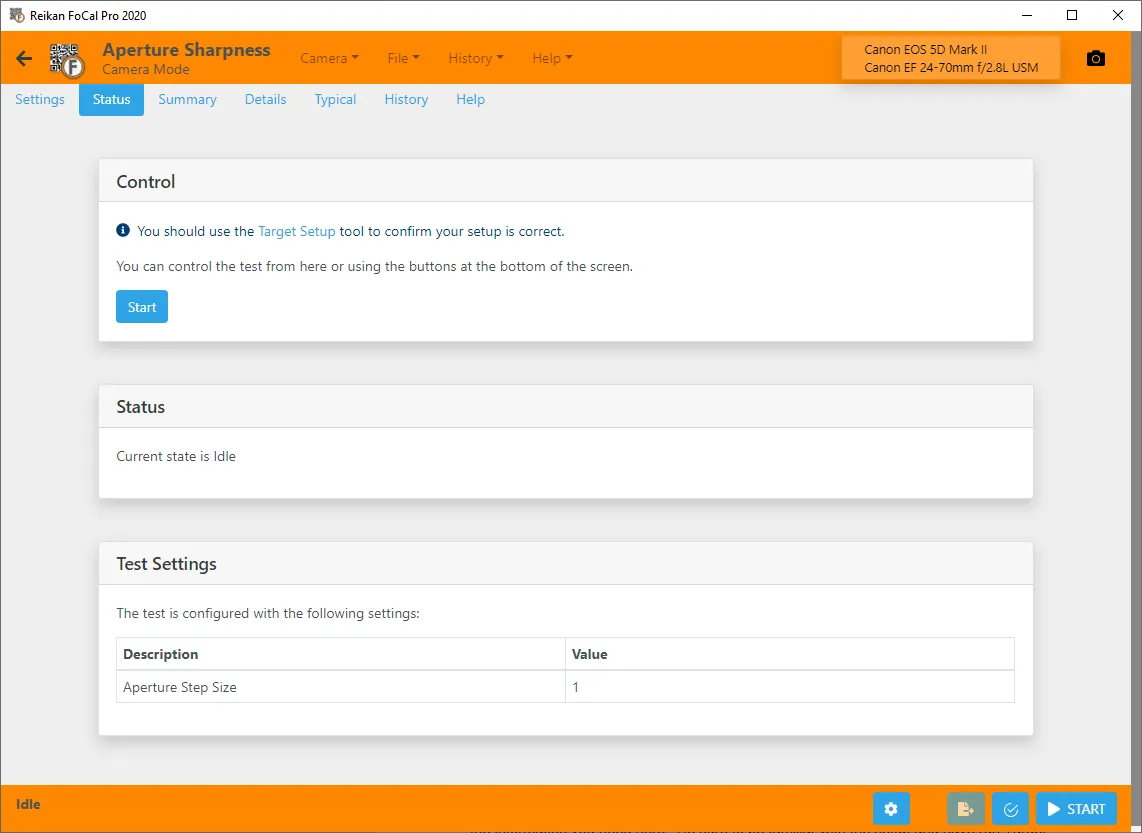
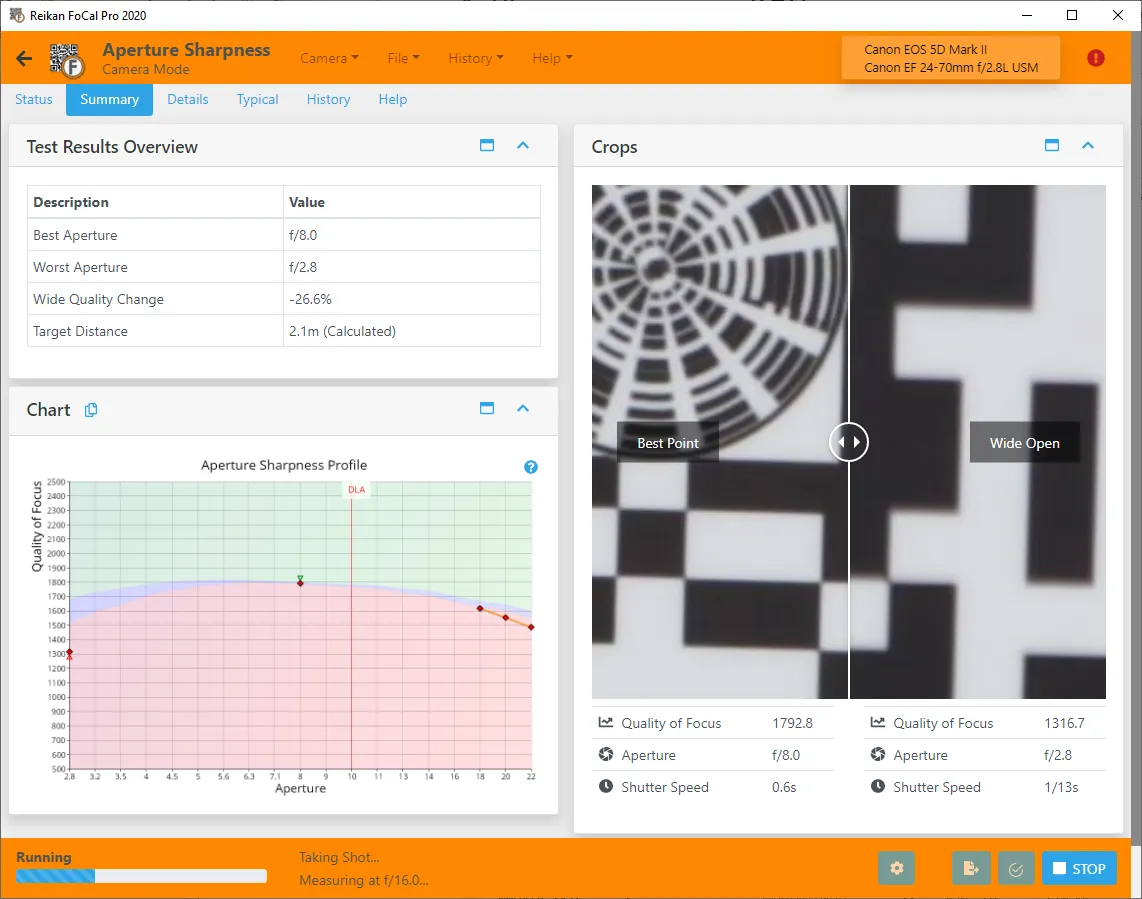
Hit Start: FoCal takes shots at each aperture and measures them.
3Your answer
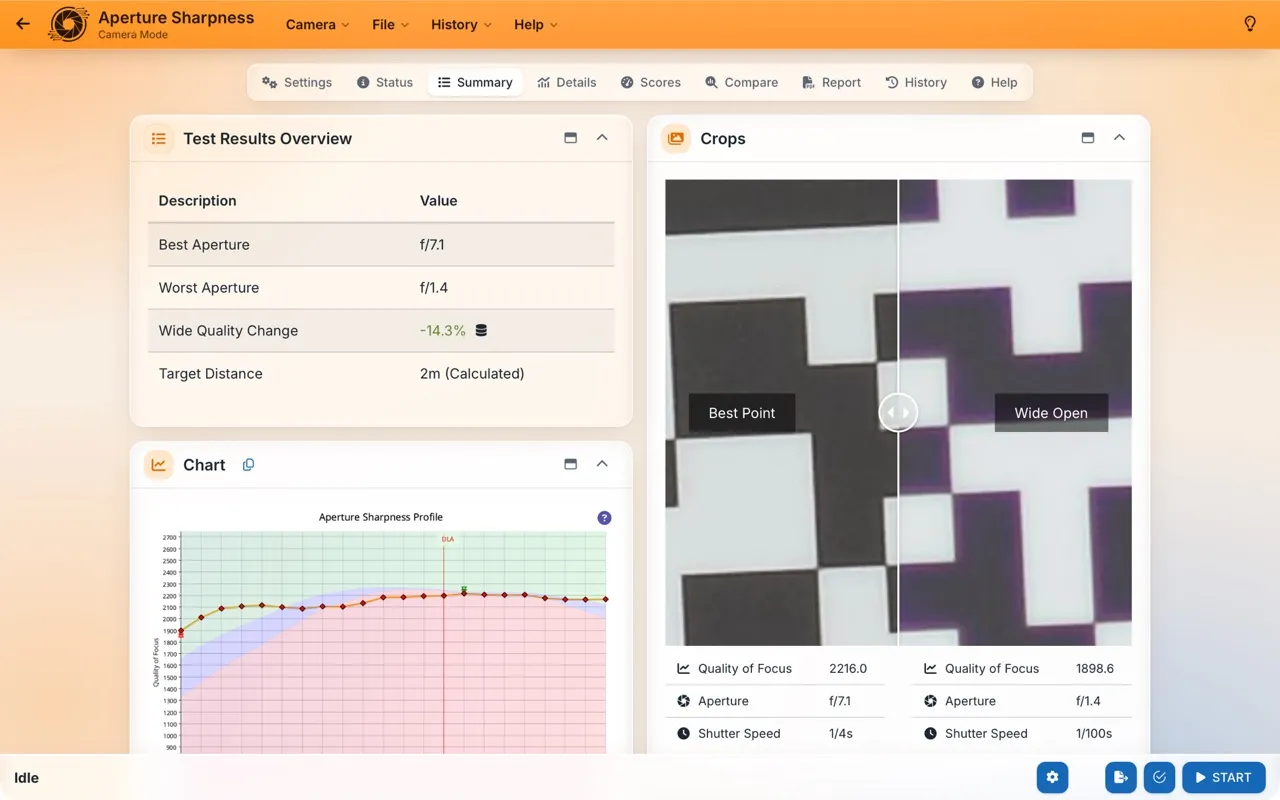
See the sharpness curve, the sweet spot and the diffraction point.
Your results
The sharpness curve shows image quality against aperture; the highest point is your lens's sweet spot.
Over time
In FoCal Pro and Commercial, History → Analysis shows Sharpness (wide-open vs peak) over time, and the Lens Personality (on the Lens and Camera + Lens tabs) sums up how the lens performs, so you can see whether it's changing.
How often: As part of your Kit Health Check: every few months, or monthly for the best trends. Over time it shows whether a lens is losing sharpness, at one aperture or across them all.