Potential Hot Pixels – Dust Analysis
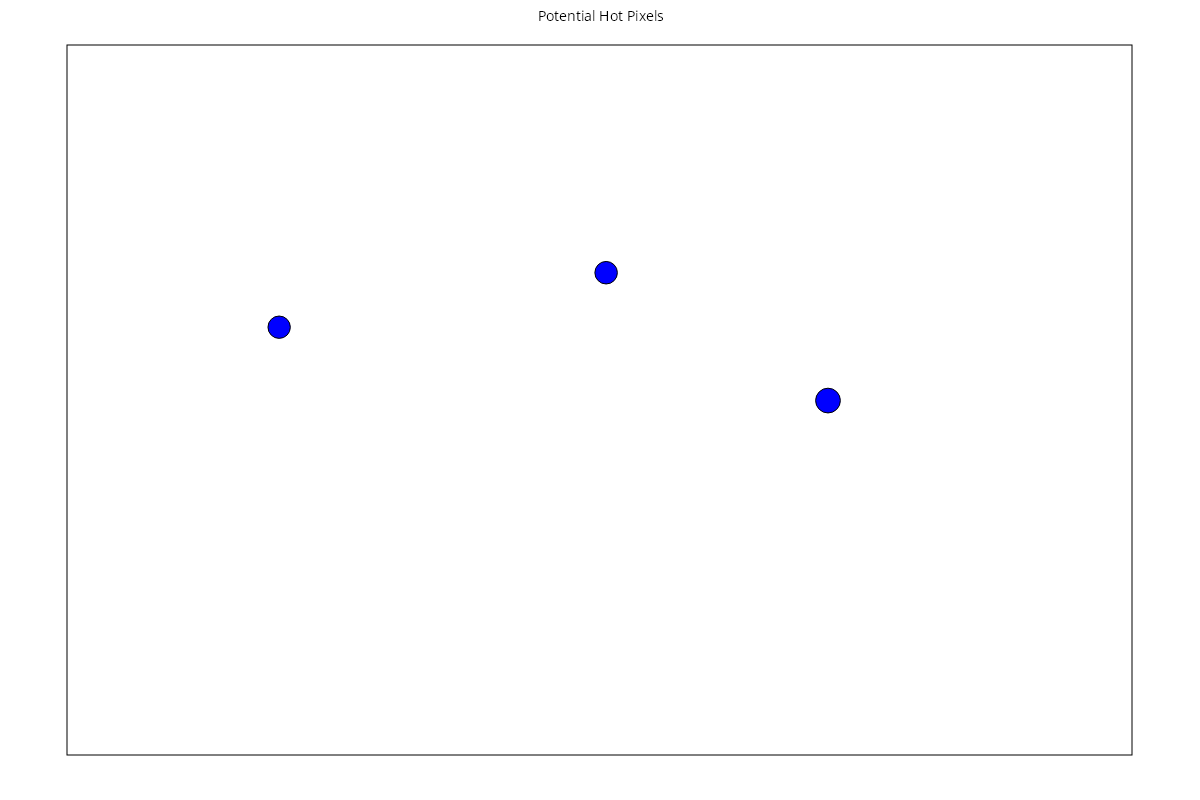
The Potential Hot Pixel chart indicates the location of pixels which may be stuck in an bright “ON” state on the sensor.
Key:
- Blue markers – indicate presence of potential hot pixels on the sensor.
Basic Interpretation
The Potential Hot Pixels display shows points detected on the sensor which cover a number of apertures and exhibit features more likely associated with hot pixels than dust spots.
This is NOT a 100% reliable detection of hot pixels, so it's important to review the images and check your camera before assuming that these points are indeed pixels which are "stuck" in a fixed state.