Accessing Log Files – iOS
(For information on how to enable/disable debug logging, see FoCal Mobile Debug Logging)
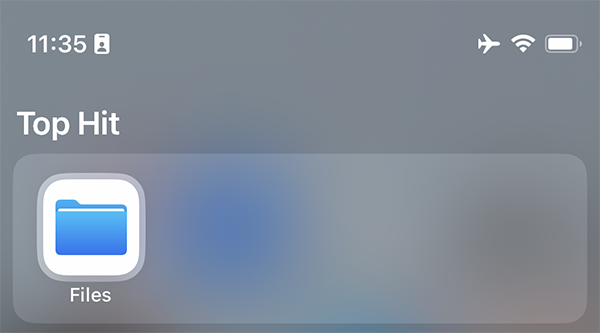
On iOS/iPadOS, open the Files application:
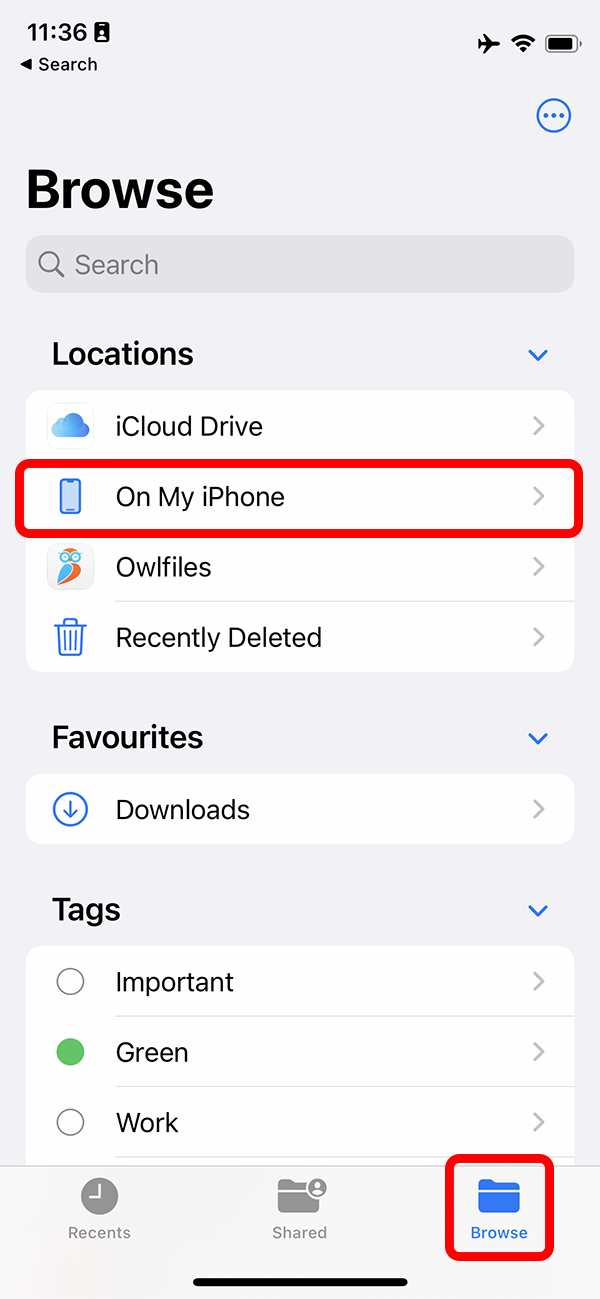
Hit the Browse button on the bottom to go to the overview of all locations on your phone, then choose On My iPhone (or On My iPad):
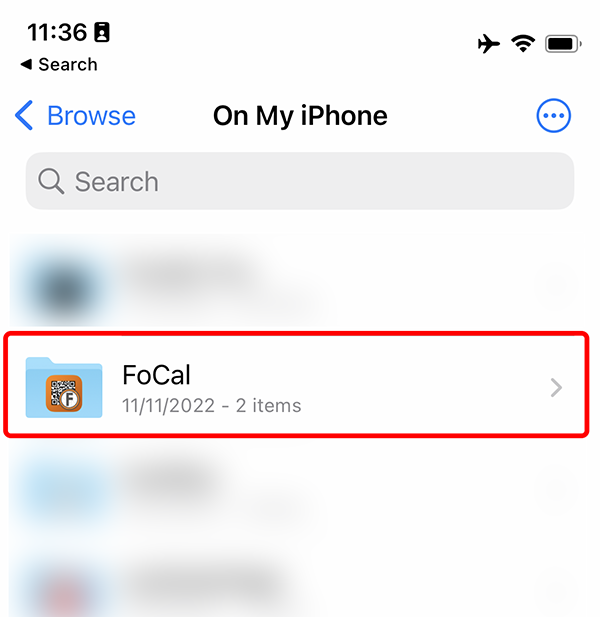
In the On My iPhone folder, you should find several folders for applications that save information to your phone. Find the FoCal folder and tap to open:
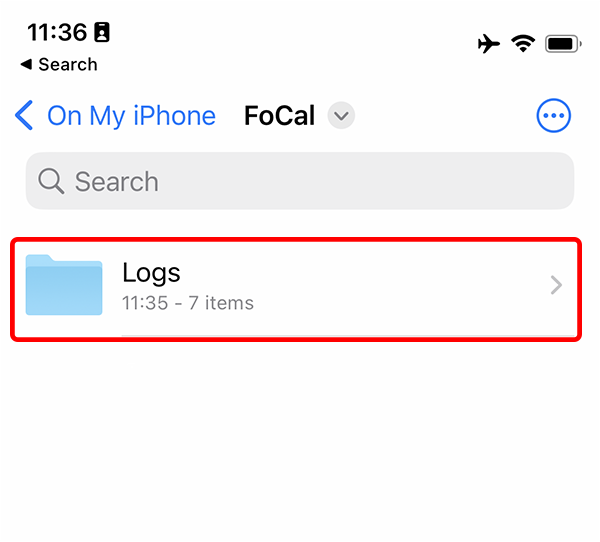
Inside is the Logs folder, tap this to open:
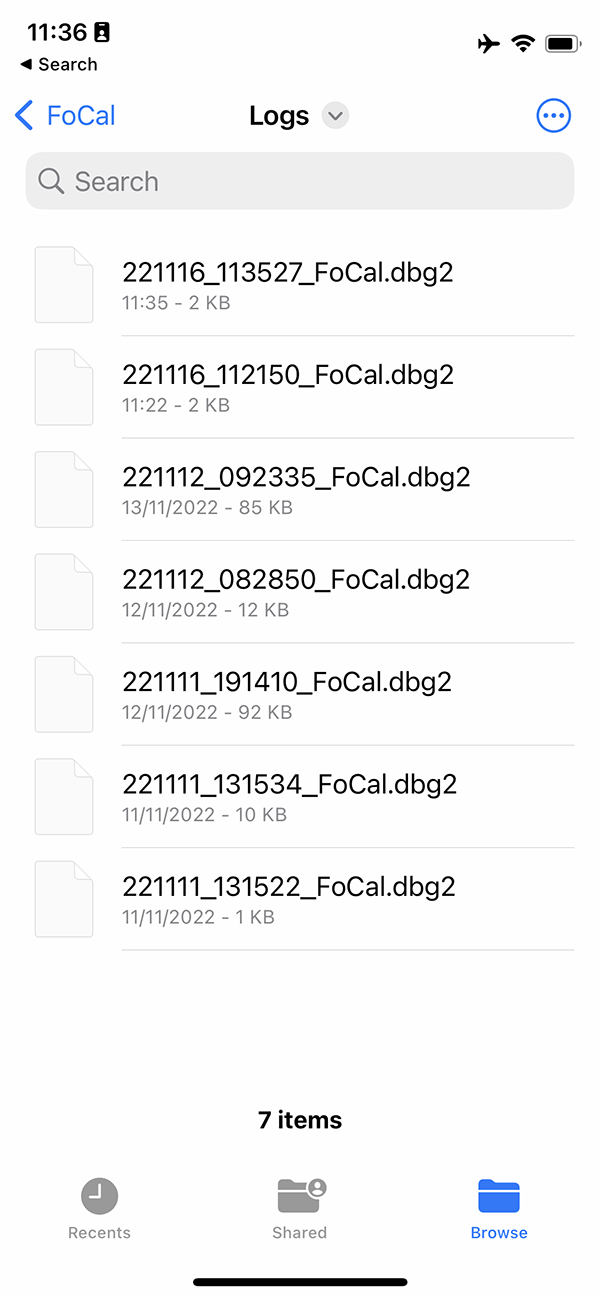
You should then see a list of log files which have been captured:
You can use the standard selection and share procedure to send logs to us from within this app, for example hold on a file to open the menu, and choose Share:
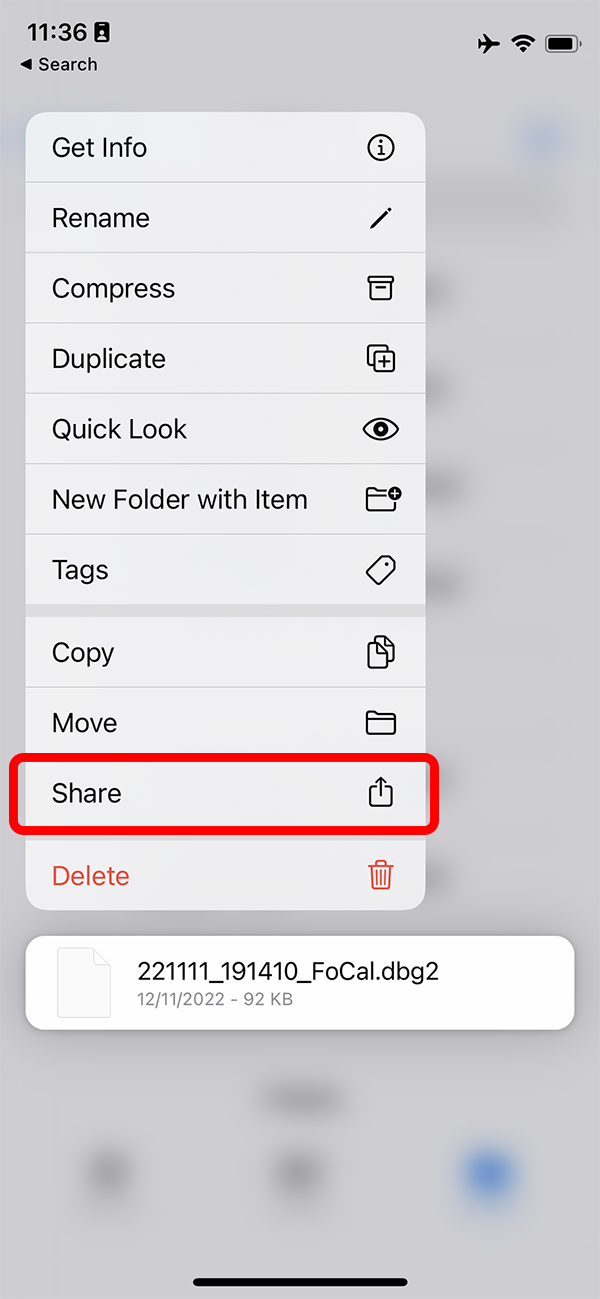
You can share the file(s) to email or another storage location and send them back to Reikan from here.