Getting Started with Reikan FoCal

Thank you for your recent purchase, we want to get you up and going as quickly as possible!

This handy guide is designed to help you get started, covering important information you'll need to know.

If you get stuck or have questions please check the fully searchable FAQ or contact us.
Download or Box?

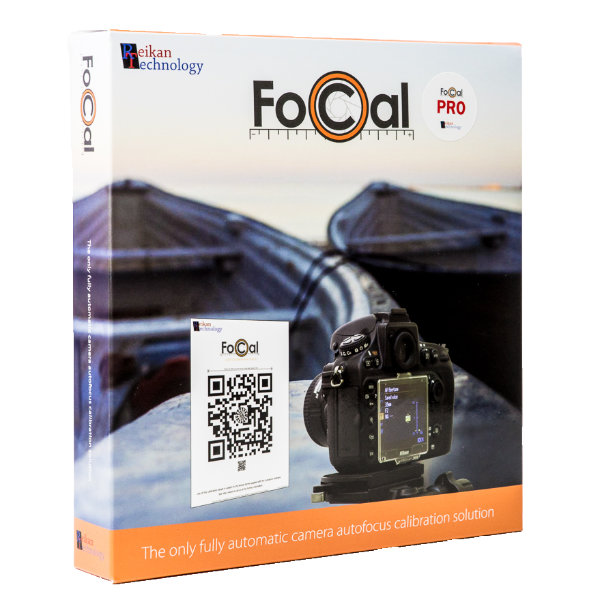
The FoCal product box

FoCal in a box?

If you've purchased a physical product from our distributors, click here for a guide on how to activate your product.

An icon showing the FoCal icon with an arrow out the bottom, indicating a download.

Downloading FoCal

If you purchase a download, or you've just activated your boxed FoCal, you'll get a Welcome email. Your next step is to download FoCal.

Windows or Mac?

Windows Logo

Windows

Click for a guide on how to download and install FoCal on Windows.

macOS Logo

Mac

Click for a guide on how to download and install FoCal on Mac.

Your First Calibration

Step-by-Step Guide

Tap for a simple guide through connecting your camera, checking your setup and calibrating your first lens with FoCal.