Settings – Aperture Sharpness
The default settings suit most people. The Settings tab has one option for this test:
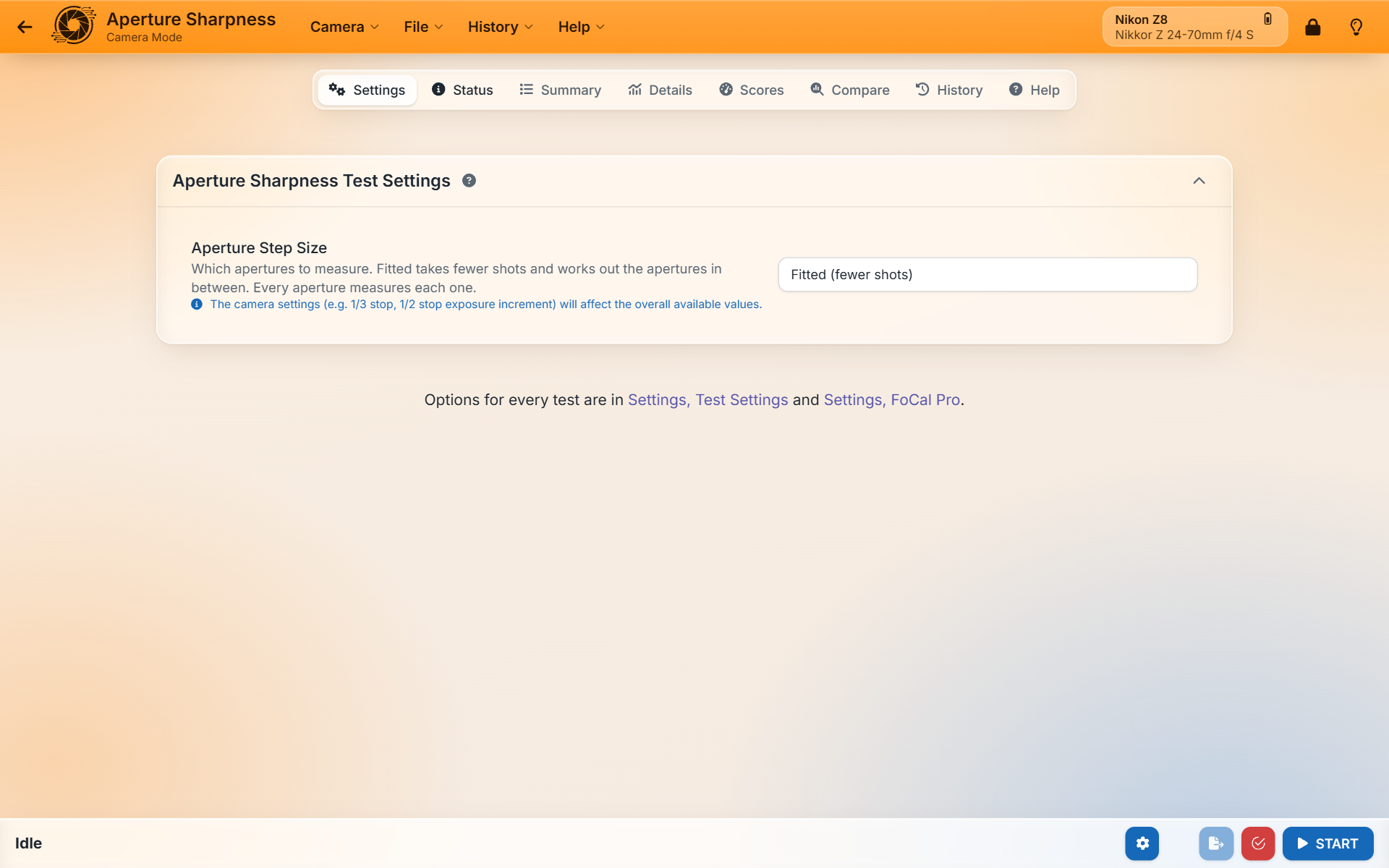
Aperture Step Size
Which apertures to measure:
- Fitted (fewer shots) (default): measures every aperture in the first stop down from wide open, the full stops and the narrowest aperture, fits a curve through them, then measures the apertures around the sharpest point. The apertures in between come from the fitted curve. This needs fewer shots and gives steadier results.
- Every aperture: measures at every aperture available.
- Every other aperture: skips one aperture between measurements.
- Every 3rd aperture: measures every third aperture.
With Every other and Every 3rd aperture, FoCal still measures the narrowest aperture, and f/8 if the lens has it.
The apertures available depend on the camera's exposure step setting (for example 1/3 or 1/2 stop).
Settings common to all tests are under Main Settings (and Pro Settings in FoCal Pro). There is a link at the bottom of the Settings tab.